How to import my Binance transactions or active
Wondering how to recover your transactions and assets from Binance in Exceefy? Follow these simple steps to connect your account or import your files.
How to export my transactions from Binance to Exceefy ?
Here is the procedure to get your CSV file from Binance:
Connect to Binance
Go to Orders → Spot orders
 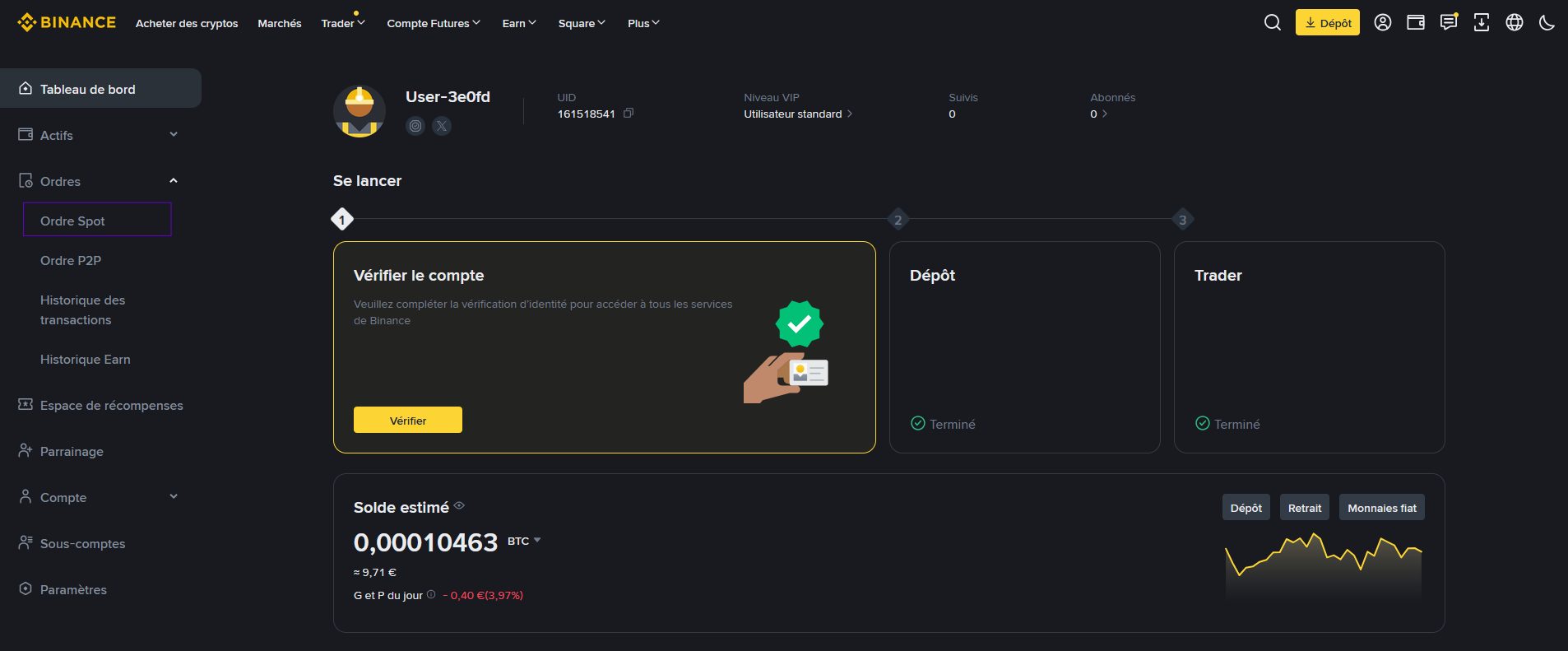

Once the page is opened, click on the Order History tab
A table is displayed with your transactions.
At the top right, click on the icon down
 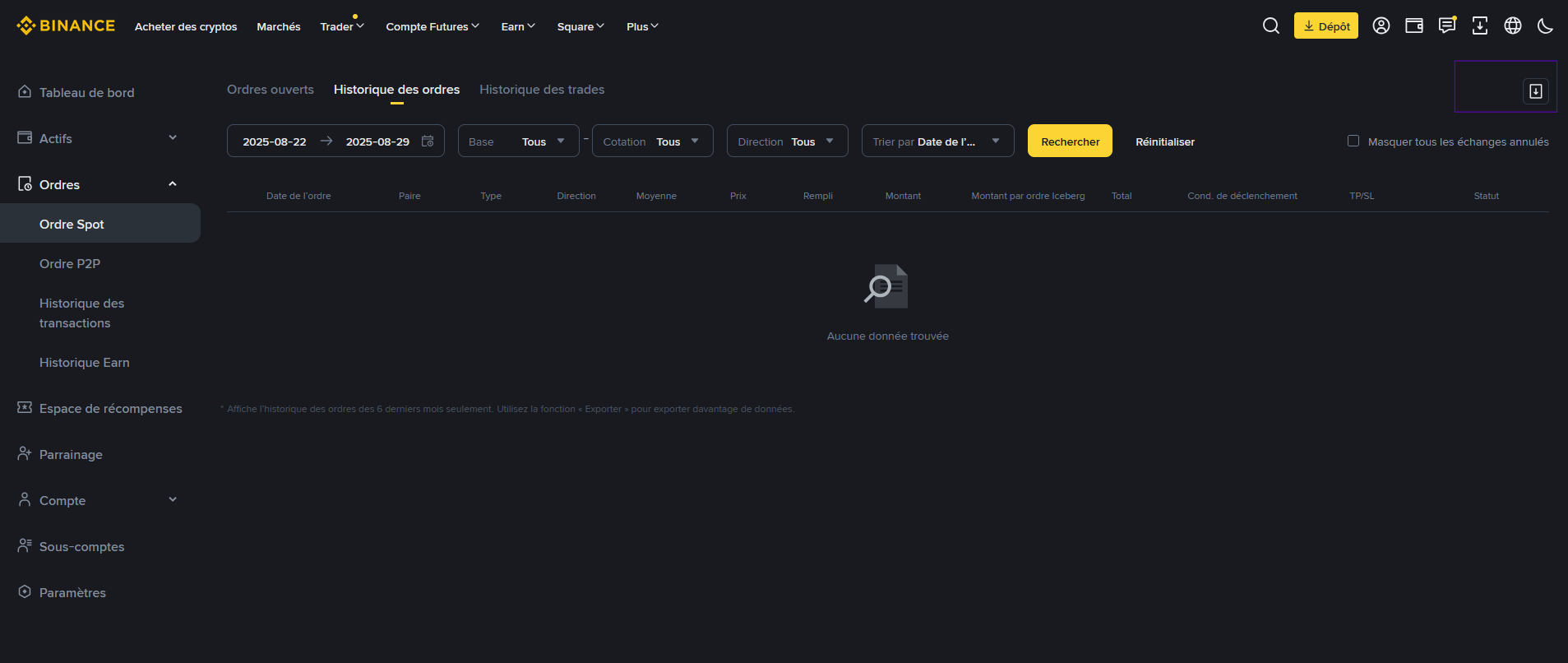

An export window opens:
Less than 6 months → to export the latest transactions
Any period → to export all the history
You can also select a Personalized dates range
 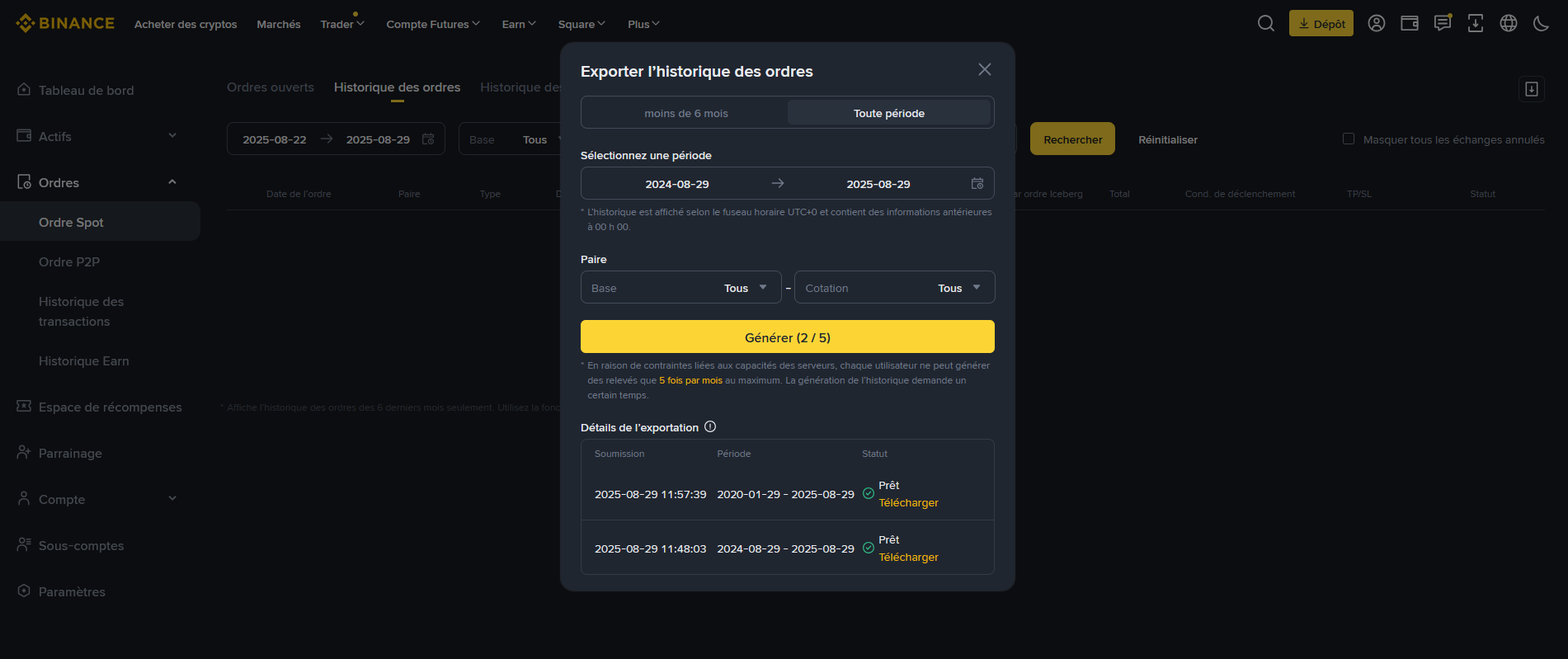

Click Generate
A CSV file will be created and available just below for download
⚠️ IMPORTANT: This file only contains Spot transactions. Deposits and withdrawals are not included.
Steps to import this CSV into Exceefy
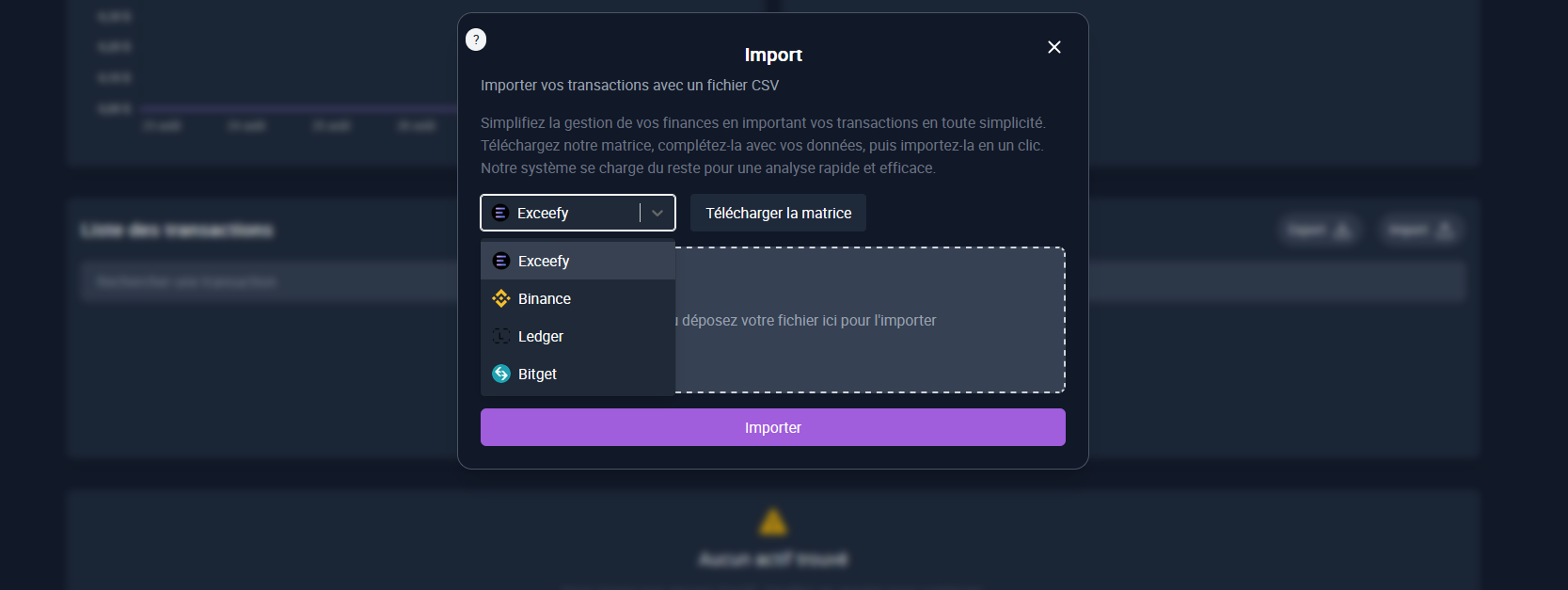
In Exceefy, go to Wallet → Import
Select Binance from the import menu
Choose your CSV file downloaded from Binance
Follow the instructions to finalize the import

👉 You can also synchronize your transactions automatically thanks to Binance synchronization via the API offered on Exceefy. Find all the information by clicking here.
💡 Tip: For better organization, create a separate portfolio for Binance in order to separate your transactions from other Wallets and follow your investments more easily.